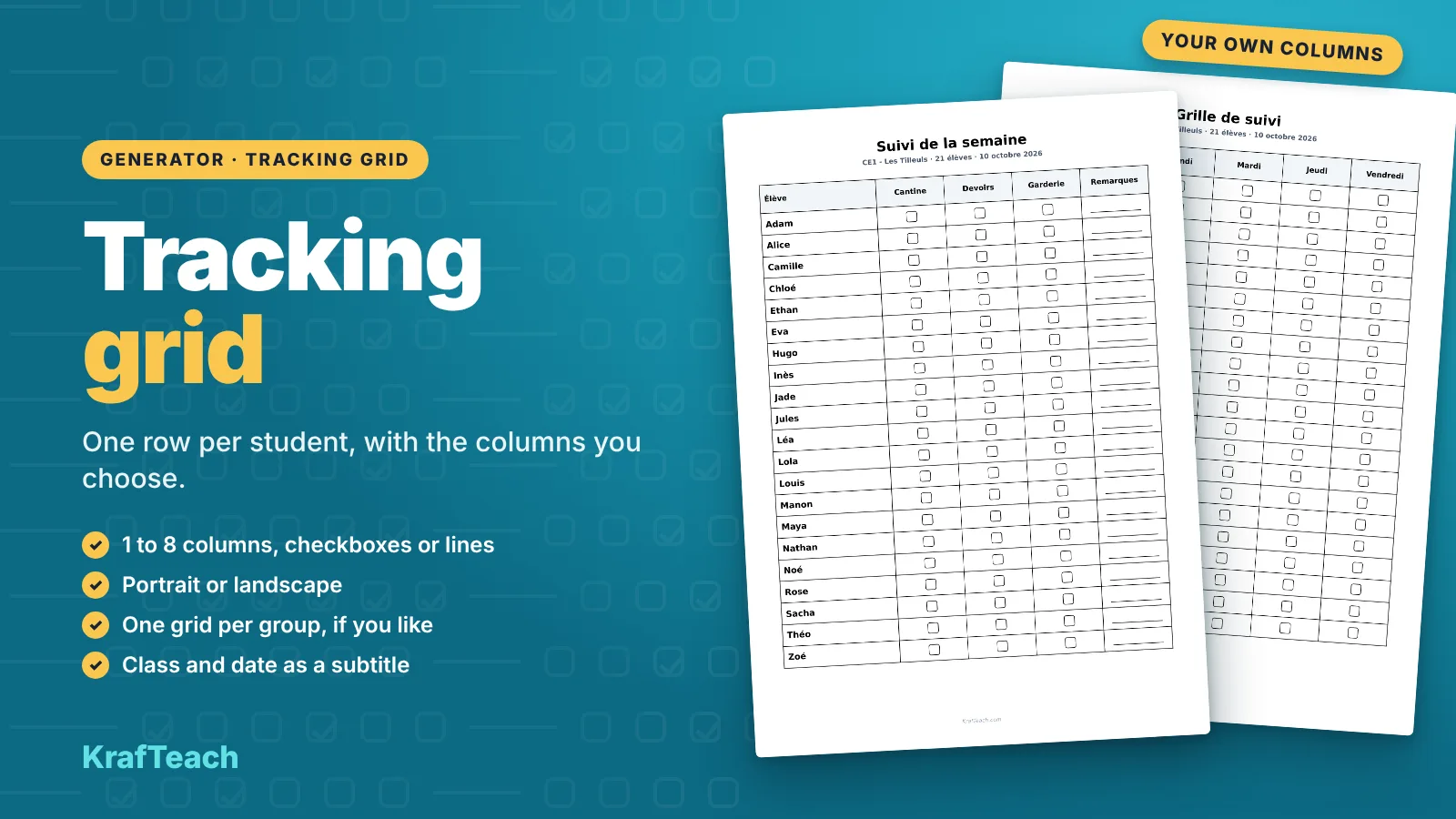
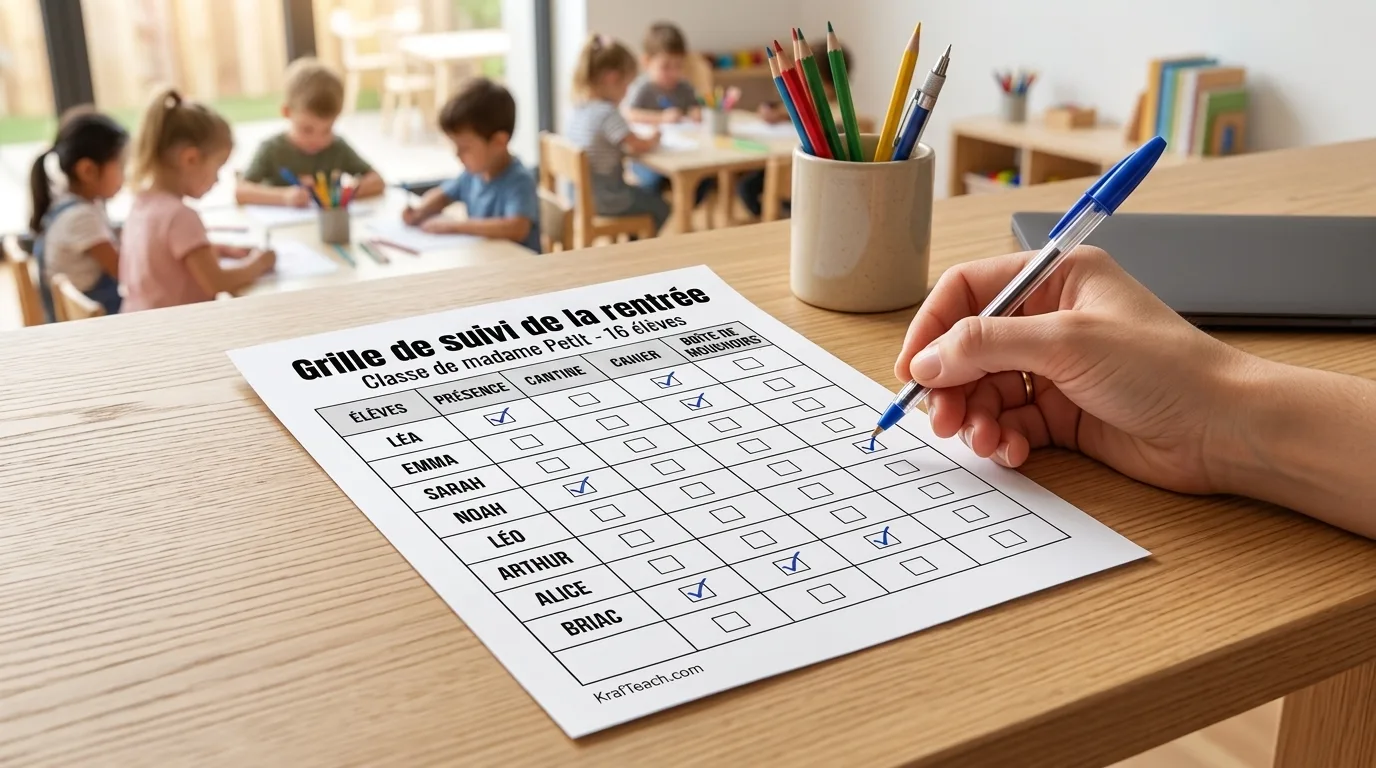
The tracking grid is a printable table designed for recurring use — day after day or week after week — unlike most generators here, which produce a one-off worksheet.
First column: your student roster, sorted alphabetically. Every column after that: whatever you decide to track.
What you configure
- The title shown at the top of the page (80 characters max)
- 1 to 8 columns, each with:
- a free-text label (24 characters max)
- an independent style: checkbox, or a blank line to fill in
- Page orientation:
- Portrait → up to 4 columns
- Landscape → up to 8 columns
💡 Tip: nothing forces every column to share the same style. A grid can mix 3 checkbox columns with 1 line column, for example to leave room for a free-form comment next to the check marks.
What it looks like
| Student | Monday | Tuesday | Wednesday | Comment |
|---|---|---|---|---|
| Dupont Léa | ☐ | ☐ | ☐ | _______ |
| Martin Noah | ☐ | ☐ | ☐ | _______ |
A few ideas
- Lunch club or after-school study check-in
- Homework done / not done tracking
- Weekly behavior chart
- PE kit or supplies brought-from-home checklist
- A simplified home-school communication log
Good to know
- Automatic pagination: a large class? The document spreads across several pages on its own (28 students per page in portrait, 18 in landscape).
- Students are always sorted alphabetically, for a quick scan.
- No per-student customization on this grid: columns are identical for the whole class (unlike some individualized generators).
You may also like
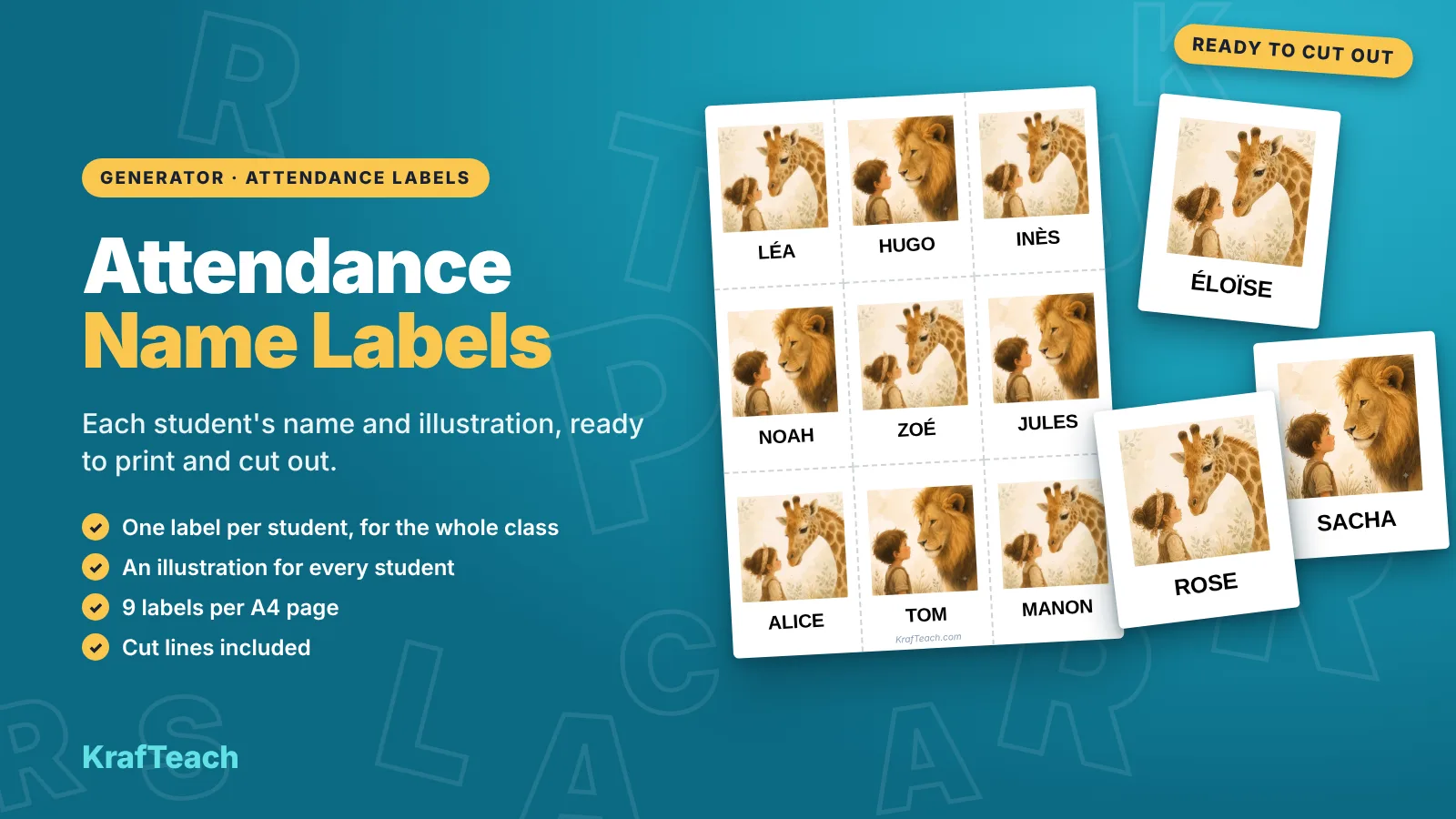
Presence Label
An illustrated label per student, 9 per page, ready for your attendance board.
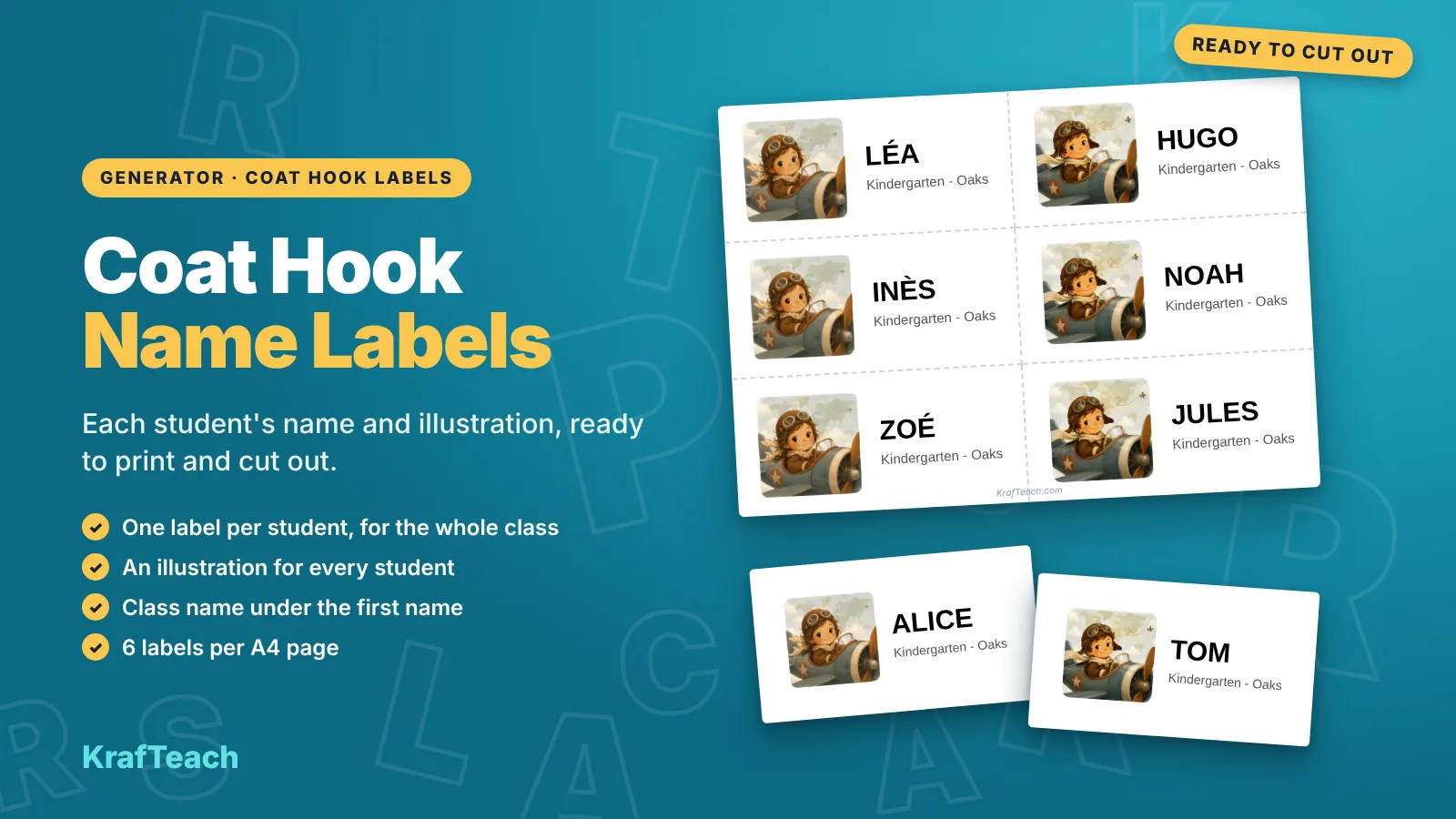
Coat Hook Labels
An illustrated label per student, name and class, ready to cut out for the coat hook.
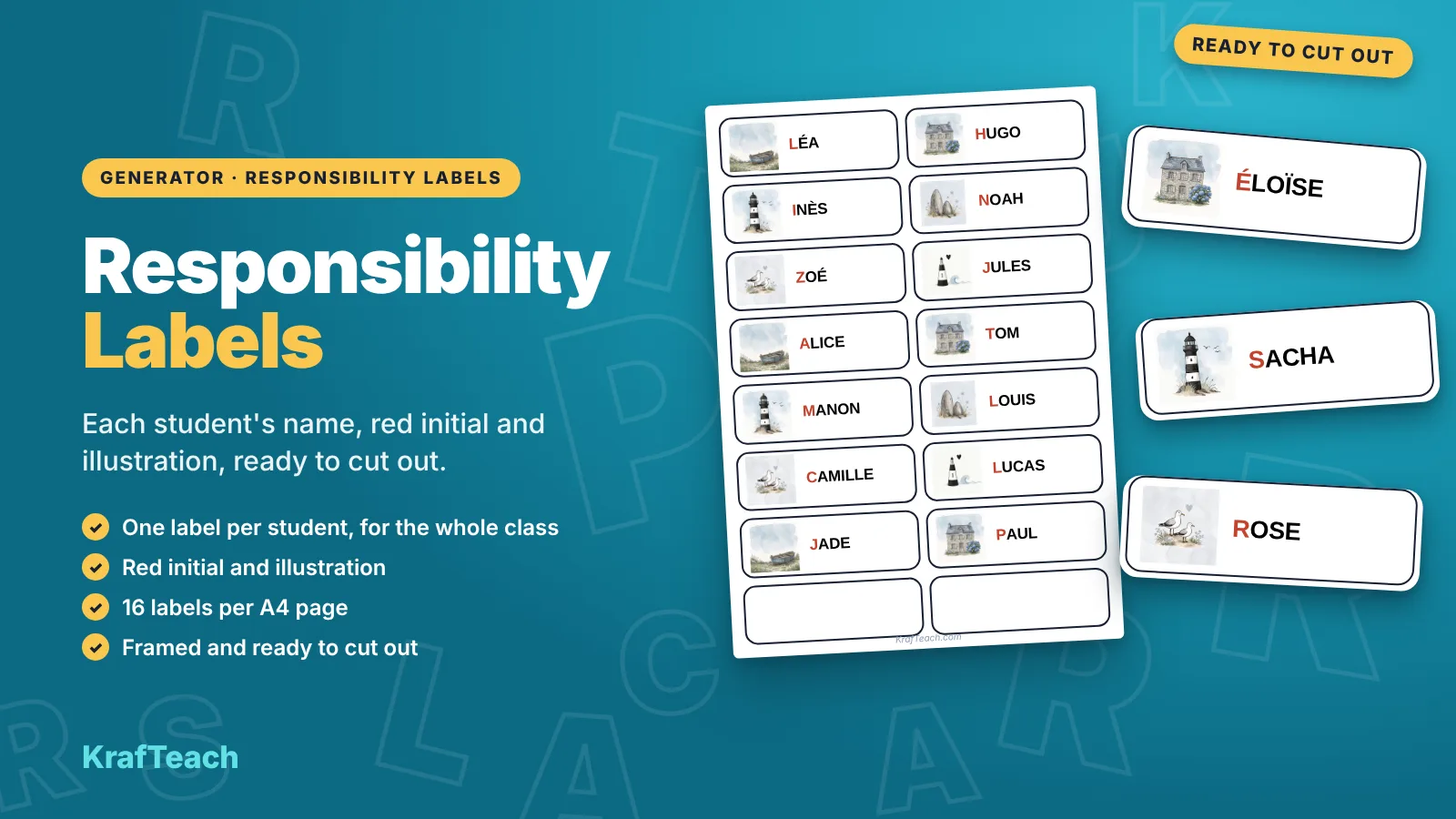
Responsibility labels
One label per student, illustration and first name, ready for your classroom jobs board.